Speaker for micro:bit
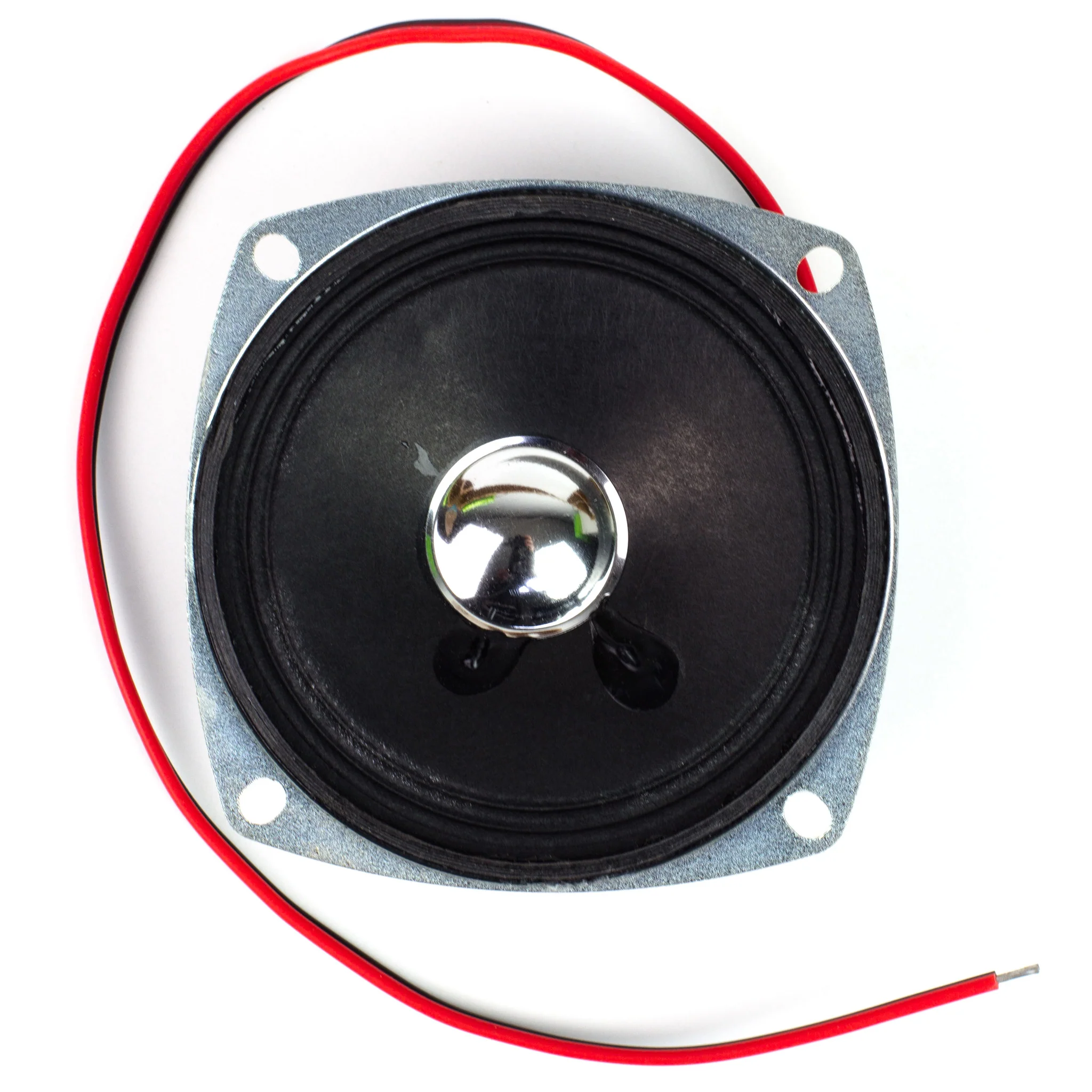
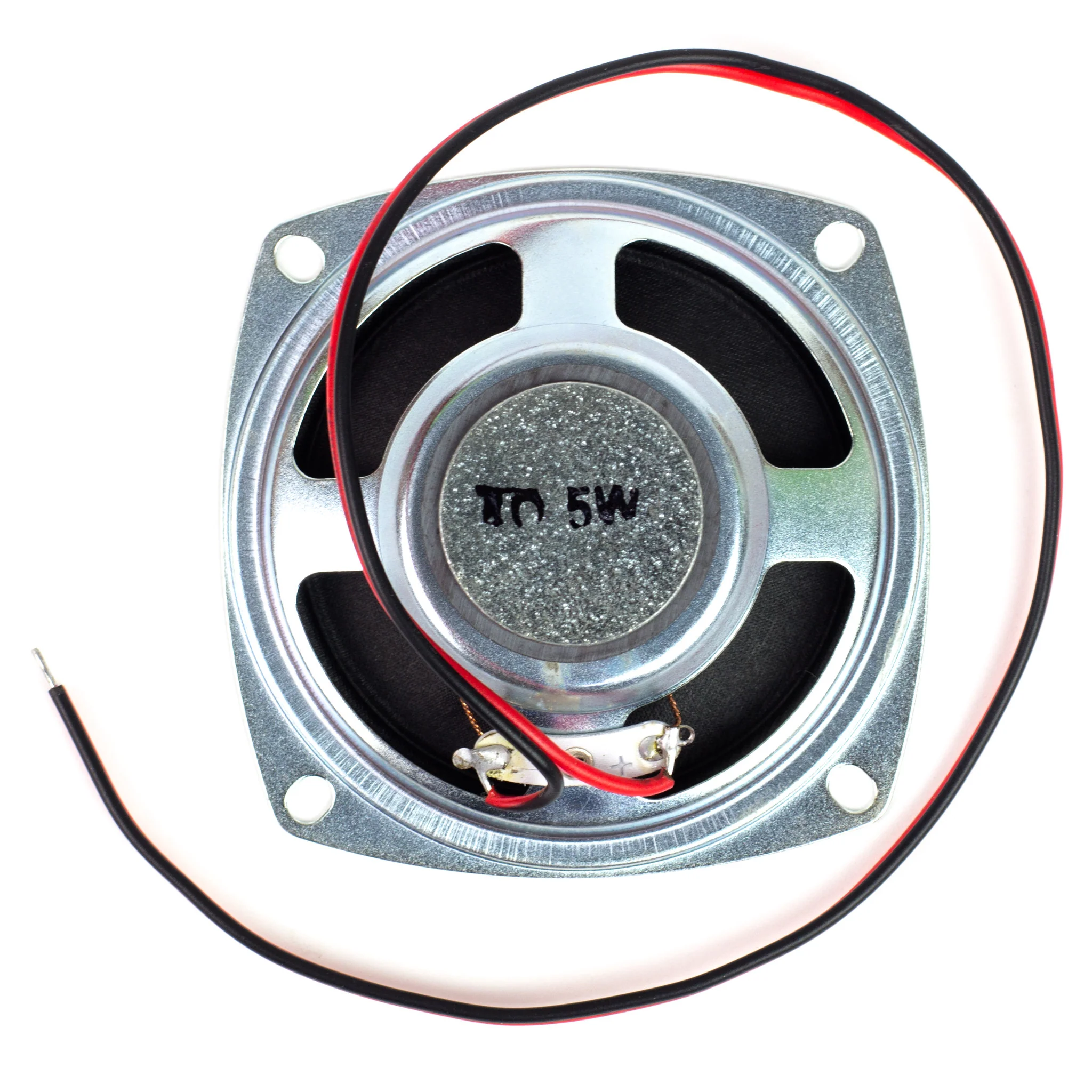
The MonkMakes Speaker for micro:bit is a neat little amplified speaker that connects to your micro:bit using alligator clips.
Features
- Amplified output
- LED ‘power on’ indicator
- Reverse polarity protection
- Compatible with micro:bit v1 and v2!
Getting Started
Connecting to your micro:bit
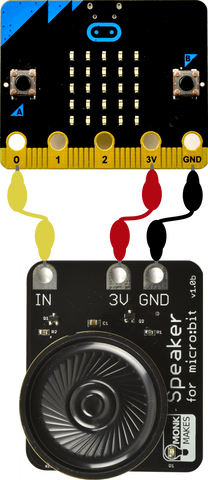
Connect the Speaker to the micro:bit as shown below. When attaching the alligator clips to the micro:bit, make sure that the clips are perpendicular to the board so that they are not touching any of the neighbouring connectors on the micro:Bit edge connector.
JavaScript Blocks Editor
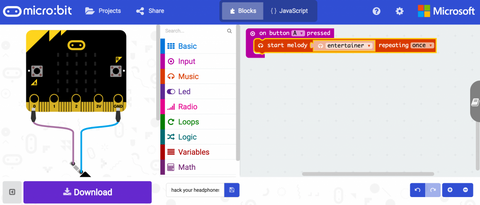
Visit the Blocks Editor in your browser and then from the input section add an on button A pressed block then from the music section add a start melody block and select the tune you want to play (in this case, entertainer).

Click Download and then copy the file onto your micro:bit.
You can also open the project in the Blocks Editor by clicking on the image below.
You can also make a simple musical instrument, using this tutorial: https://makecode.microbit.org/projects/hack-your-headphones/code
MicroPython
Paste the following code into the Python window and then Download the file and copy it onto your your micro:bit
from microbit import *
import music

while True:
    if button_a.was_pressed():
        music.play(music.ENTERTAINER)
When you press button A you will hear the tune “The Entertainer” play through the speaker.
More Resources
- Datasheet
- Instructions
Original: $10.19
-65%$10.19
$3.57Product Information
Product Information
Shipping & Returns
Shipping & Returns
Description
The MonkMakes Speaker for micro:bit is a neat little amplified speaker that connects to your micro:bit using alligator clips.
Features
- Amplified output
- LED ‘power on’ indicator
- Reverse polarity protection
- Compatible with micro:bit v1 and v2!
Getting Started
Connecting to your micro:bit
Connect the Speaker to the micro:bit as shown below. When attaching the alligator clips to the micro:bit, make sure that the clips are perpendicular to the board so that they are not touching any of the neighbouring connectors on the micro:Bit edge connector.
JavaScript Blocks Editor
Visit the Blocks Editor in your browser and then from the input section add an on button A pressed block then from the music section add a start melody block and select the tune you want to play (in this case, entertainer).
Click Download and then copy the file onto your micro:bit.
You can also open the project in the Blocks Editor by clicking on the image below.
You can also make a simple musical instrument, using this tutorial: https://makecode.microbit.org/projects/hack-your-headphones/code
MicroPython
Paste the following code into the Python window and then Download the file and copy it onto your your micro:bit
from microbit import *
import music

while True:
    if button_a.was_pressed():
        music.play(music.ENTERTAINER)
When you press button A you will hear the tune “The Entertainer” play through the speaker.
More Resources
- Datasheet
- Instructions